LinkedIn Scheduling & Management
Grow your professional brand with scheduled LinkedIn content.
- Resmi LinkedIn API
- Şifre saklanmaz
- Profil ve Sayfa yayını
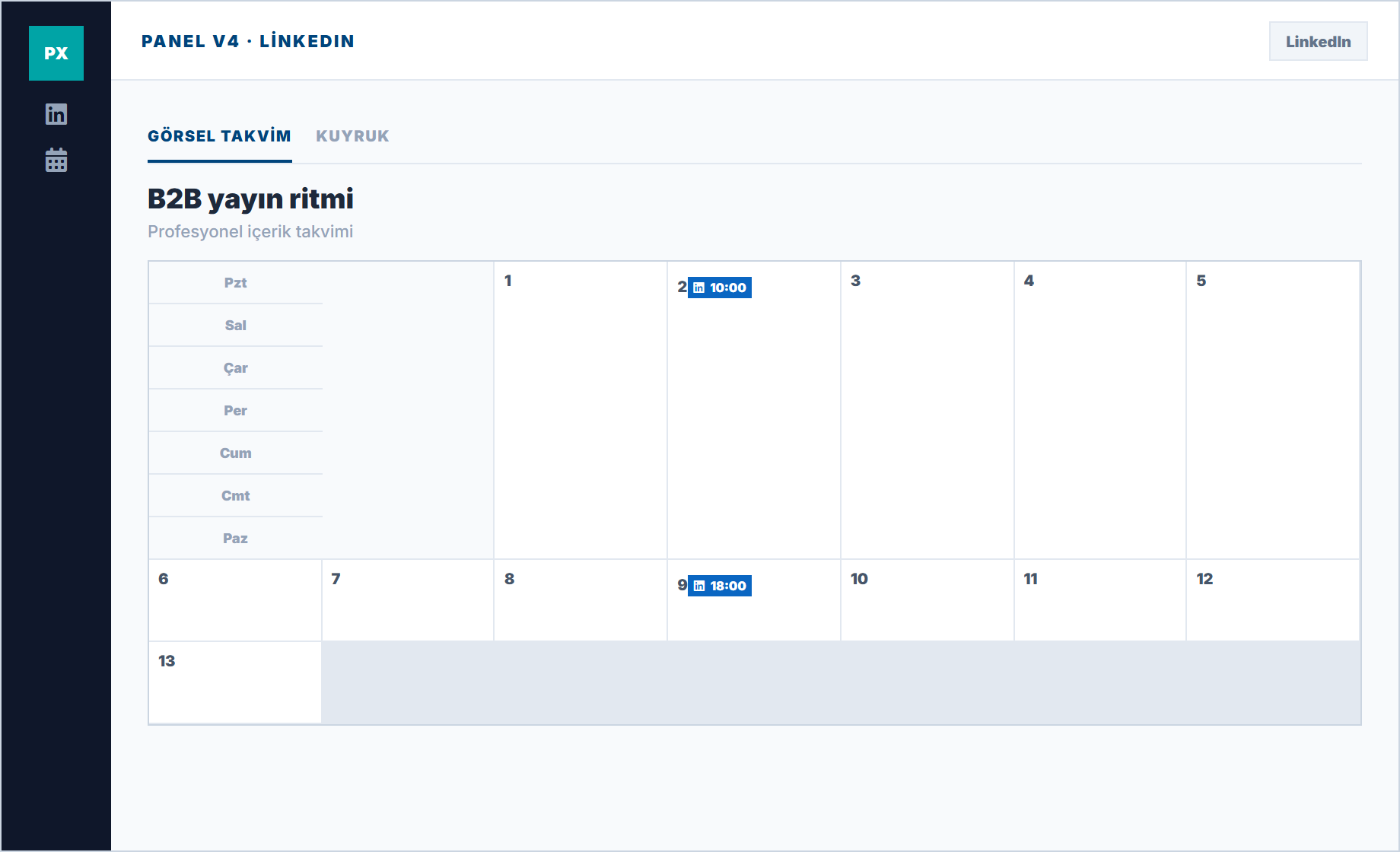
Trust is built slowly in B2B
Irregular posting on LinkedIn creates a "passive page" perception. Professional rhythm signals expertise.
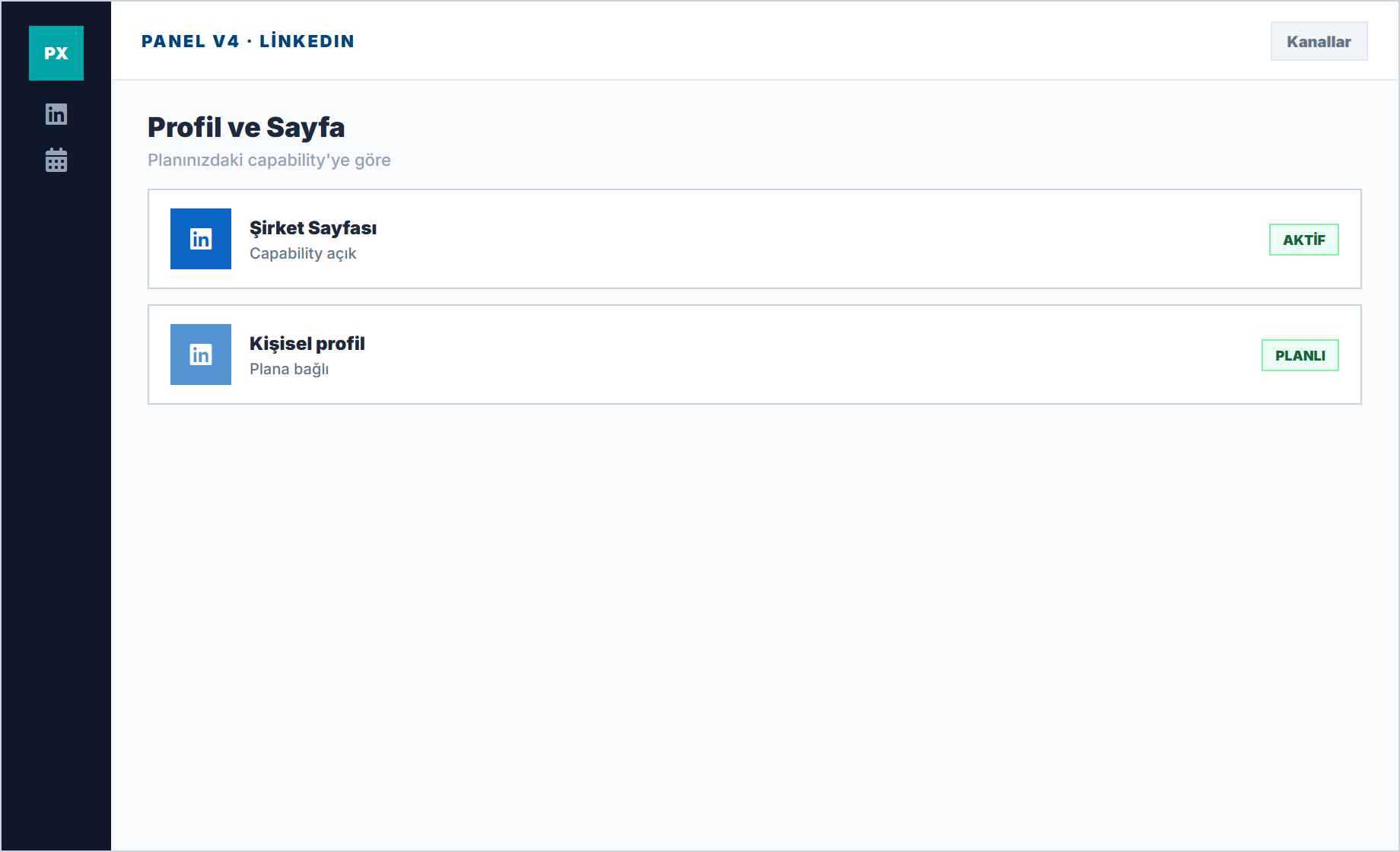
Profile and page distinction
You connect based on capability keys in the panel; you use whichever your plan enables.
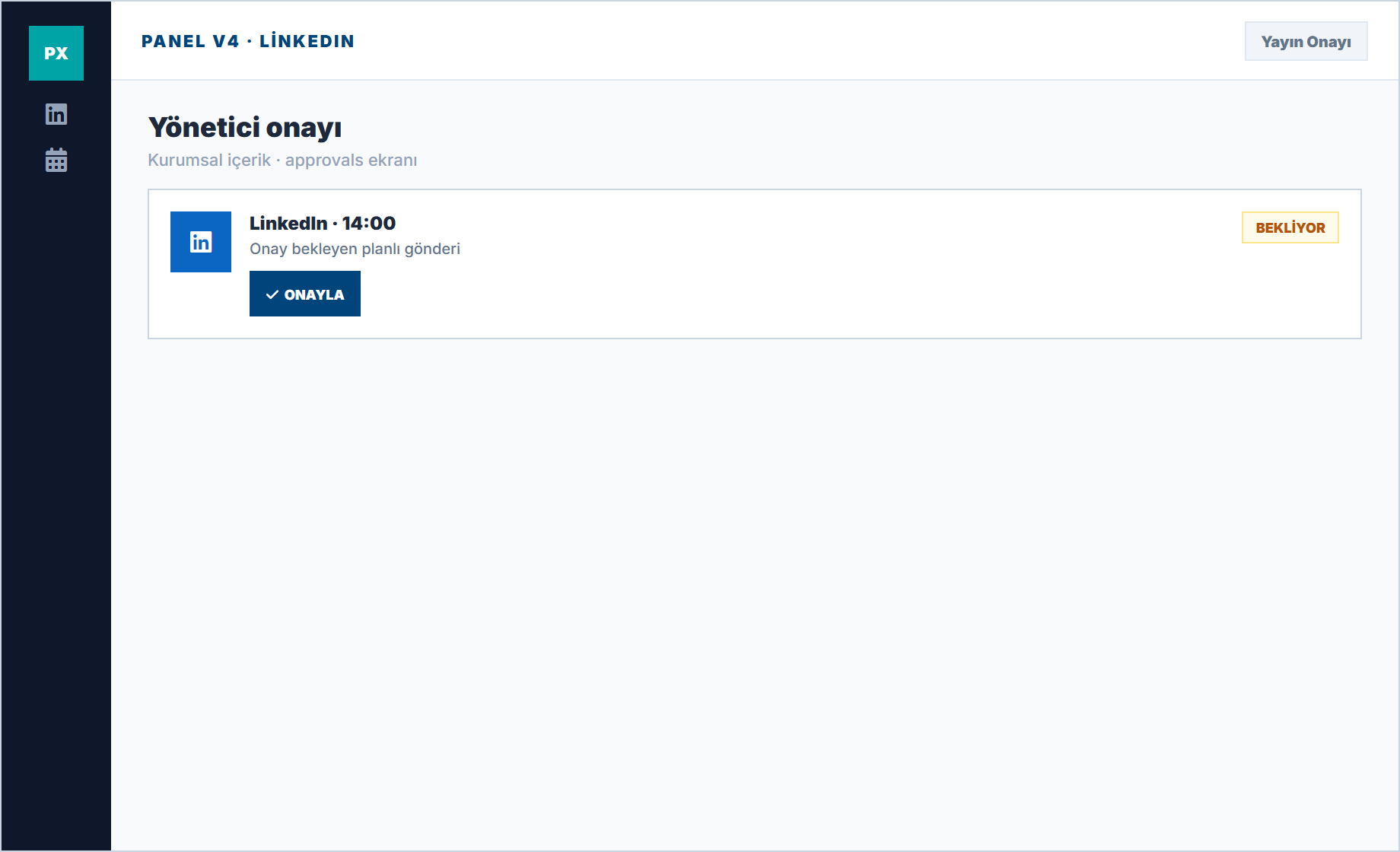
Corporate approval culture
The approvals screen is critical for content that shouldn't go out without manager approval.
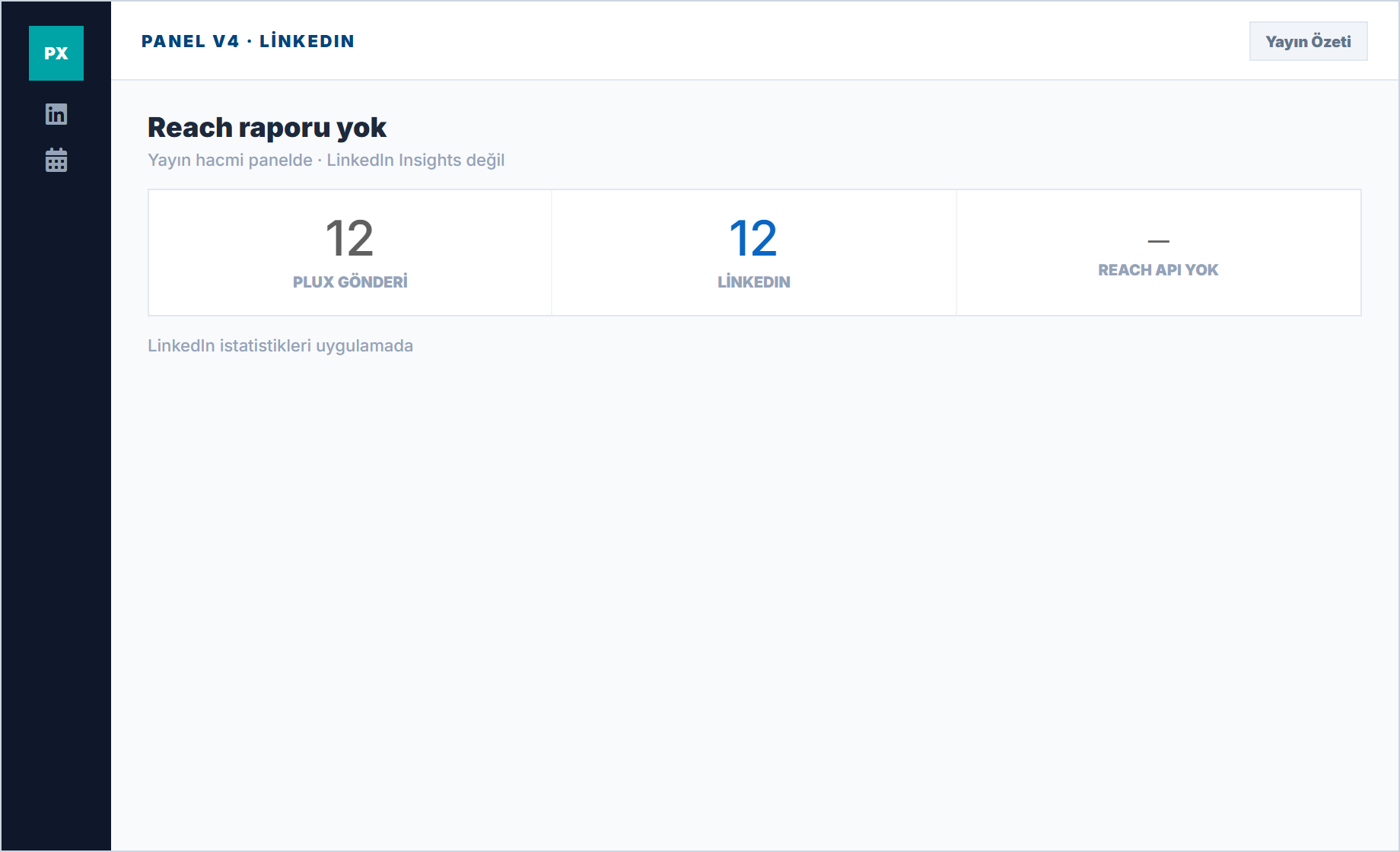
Not a reach report
Plux doesn't pull LinkedIn impression counts; you track your publishing volume in the panel.
LinkedIn Features
Real modules in the panel; no exaggerated promises.
Schedule content to personal profiles and Company Pages from one dashboard.
Schedule PDF carousels and document posts — the highest-engagement format on LinkedIn.
Schedule link posts and article shares with custom preview images.
Upload and schedule native LinkedIn video content for maximum visibility.
Track impressions, engagement rate, clicks, and follower growth over time.
Coordinate LinkedIn content across team members with approval workflows.
Questions about LinkedIn and Plux
Honest limitations and scope of use.
Are company page and profile managed together?
Both can be connected as separate channels based on capability keys; you use whichever your plan enables.
Is there employee advocacy?
A module for bulk-managing employees' personal profiles is not promised as part of the marketing scope.
Elevate Your LinkedIn Presence
Consistent publishing is the key to LinkedIn growth. Let Plux handle the scheduling.
Profile and company page support