Facebook Management Made Simple
Schedule posts, manage Pages, and grow your audience on Facebook.
- Resmi Meta API
- Şifre saklanmaz
- Facebook Sayfa odaklı
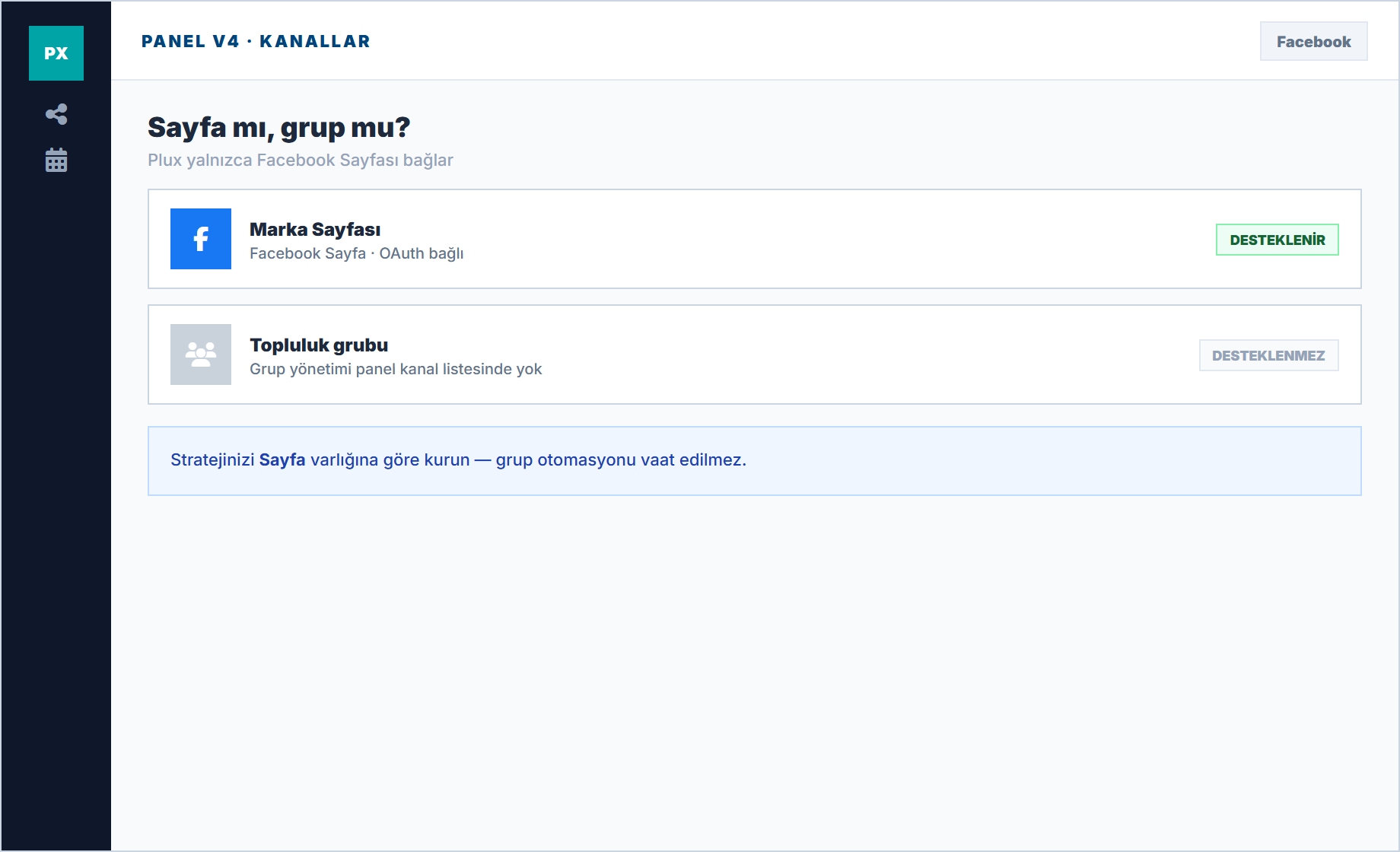
Page or group: clarity
Meta resmi API ile Facebook Sayfanızı bağlayın; gönderilerinizi tek takvimden planlayın.
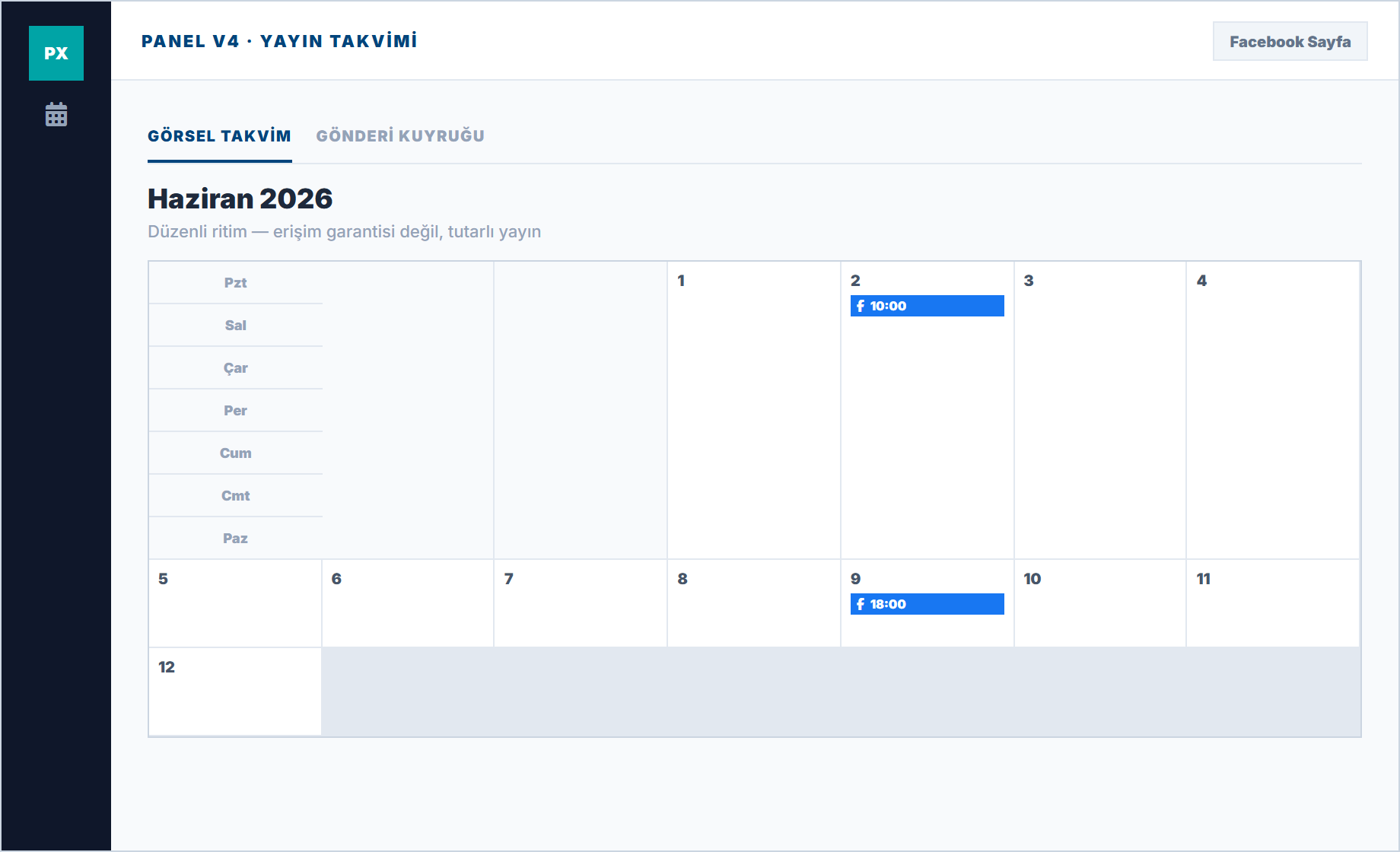
Not algorithm, rhythm
Reach is not guaranteed; regular and approved publishing meets follower expectations. Calendar gaps mean trust loss.
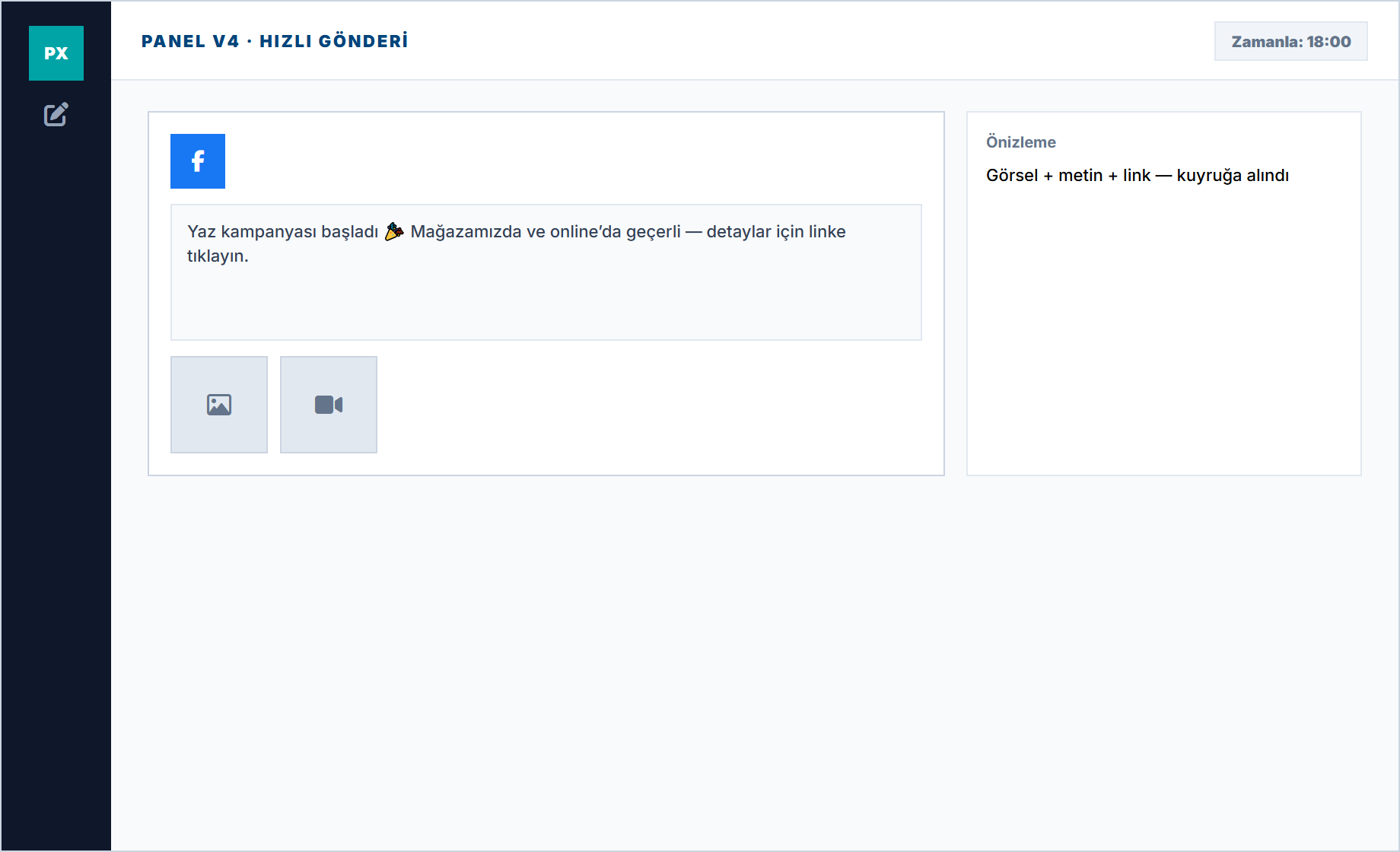
Visual and video queue
Add text, links, and media from one panel and pick the time. Last-minute panic is reduced.
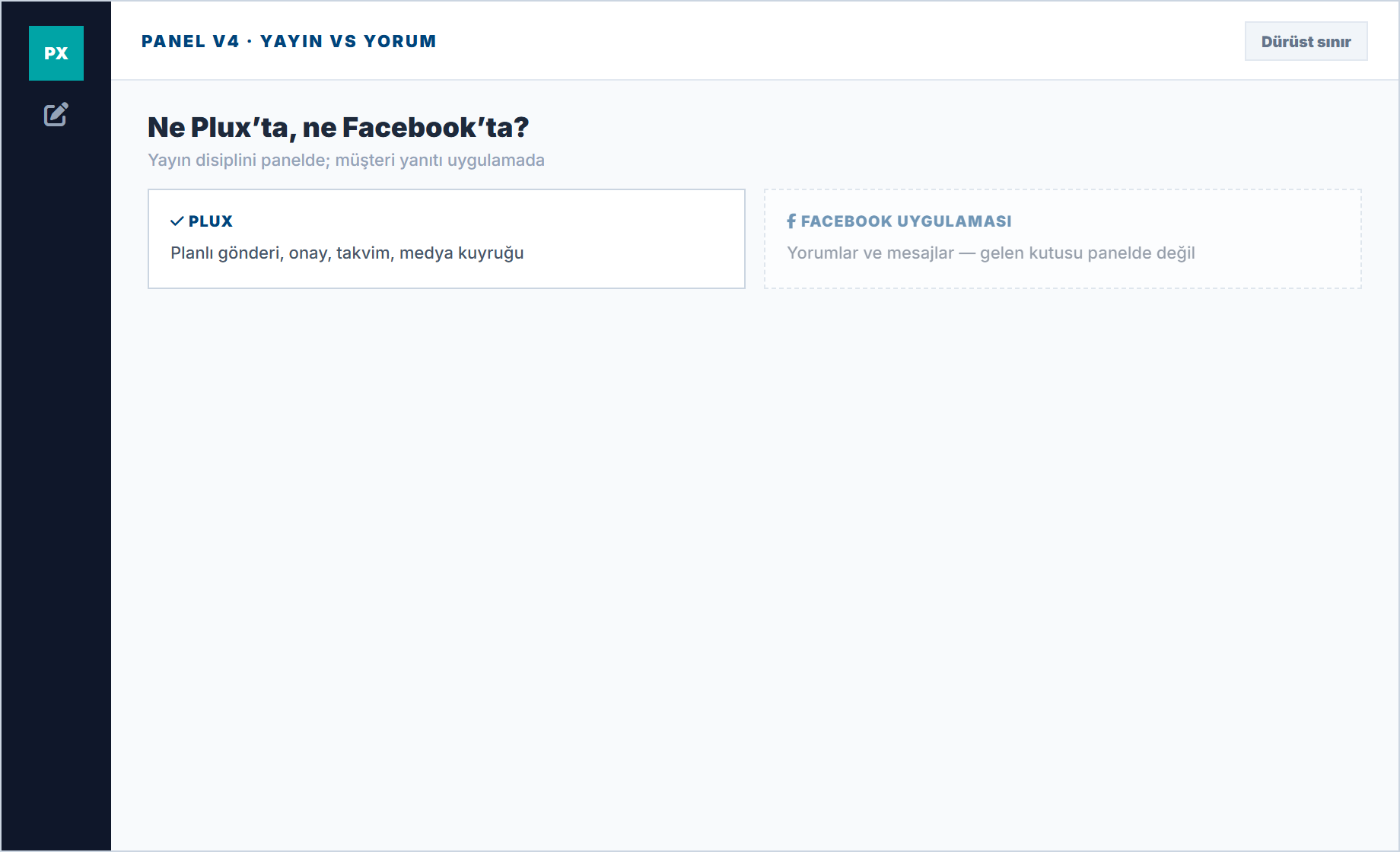
Comments stay on Facebook
Customer messages are replied to from the app. Plux disciplines the content to be published.
Facebook Features
Everything you need to succeed on Facebook.
Schedule posts to your Facebook Pages and Groups. Support for text, photos, videos, carousels, and links.
Plan and schedule Facebook Stories and Reels in advance for consistent engagement.
Track likes, comments, shares, and reach. Understand what content resonates with your audience.
AI analyzes your audience activity to recommend optimal posting times for maximum reach.
Schedule weeks of Facebook content at once with CSV bulk upload.
Set up approval workflows to ensure every post meets your brand standards.
Frequently Asked Questions
Common questions about Facebook Page features and our security approach.
Can I schedule Facebook Page posts?
Yes. Connect your Facebook Page to Plux and schedule posts, images, and videos from the visual calendar.
Do I need my Facebook password, and is it stored in Plux?
Absolutely not. You connect accounts through official Meta APIs and Facebook’s secure authorization screen. Your password is never stored or visible to Plux.
Is Facebook Group posting available in the panel?
No. Facebook Group posting is not listed in the panel channel list. Plux focuses on Facebook Page publishing tools.
What happens if my Facebook Page connection drops?
Scheduled posts may show a queue error until you reconnect. Re-authorize the Page from the panel in one click and publishing continues safely.
Start Managing Your Facebook Pages Today
Schedule posts, track analytics, and grow your audience — all from one platform.
Facebook Page support · Free trial