Instagram Scheduling & Management
Plan, schedule, and auto-publish your Instagram content.
- Resmi Meta API
- Şifre saklanmaz
- Feed ve Reels planlama
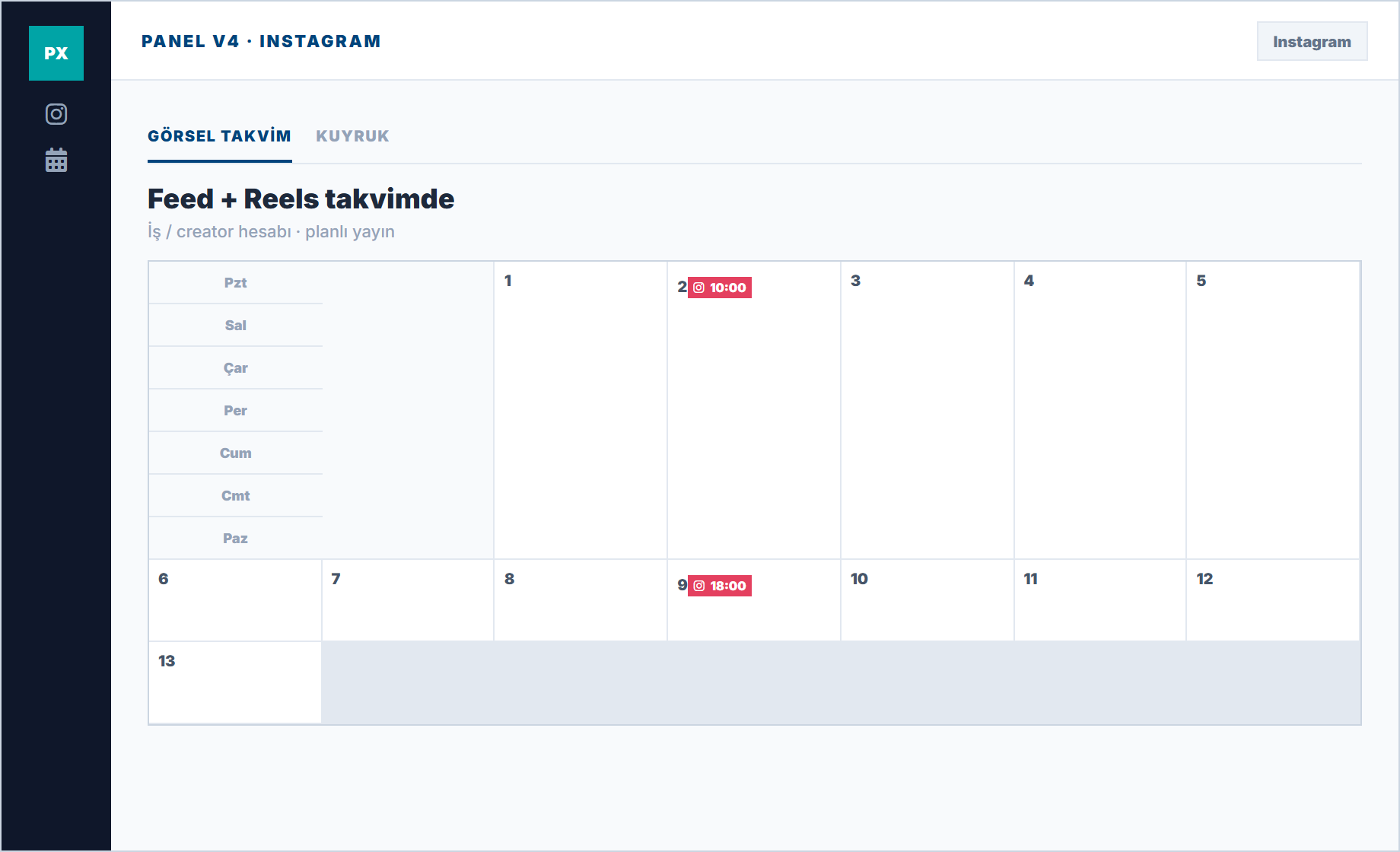
Feed and Reels in the same calendar
Planning is done through business or creator accounts; personal profile restrictions are noted in the wizard.
Why aesthetic consistency
Random filters and tone changes alienate the brand. A weekly plan helps maintain visual language.
Storytelling time
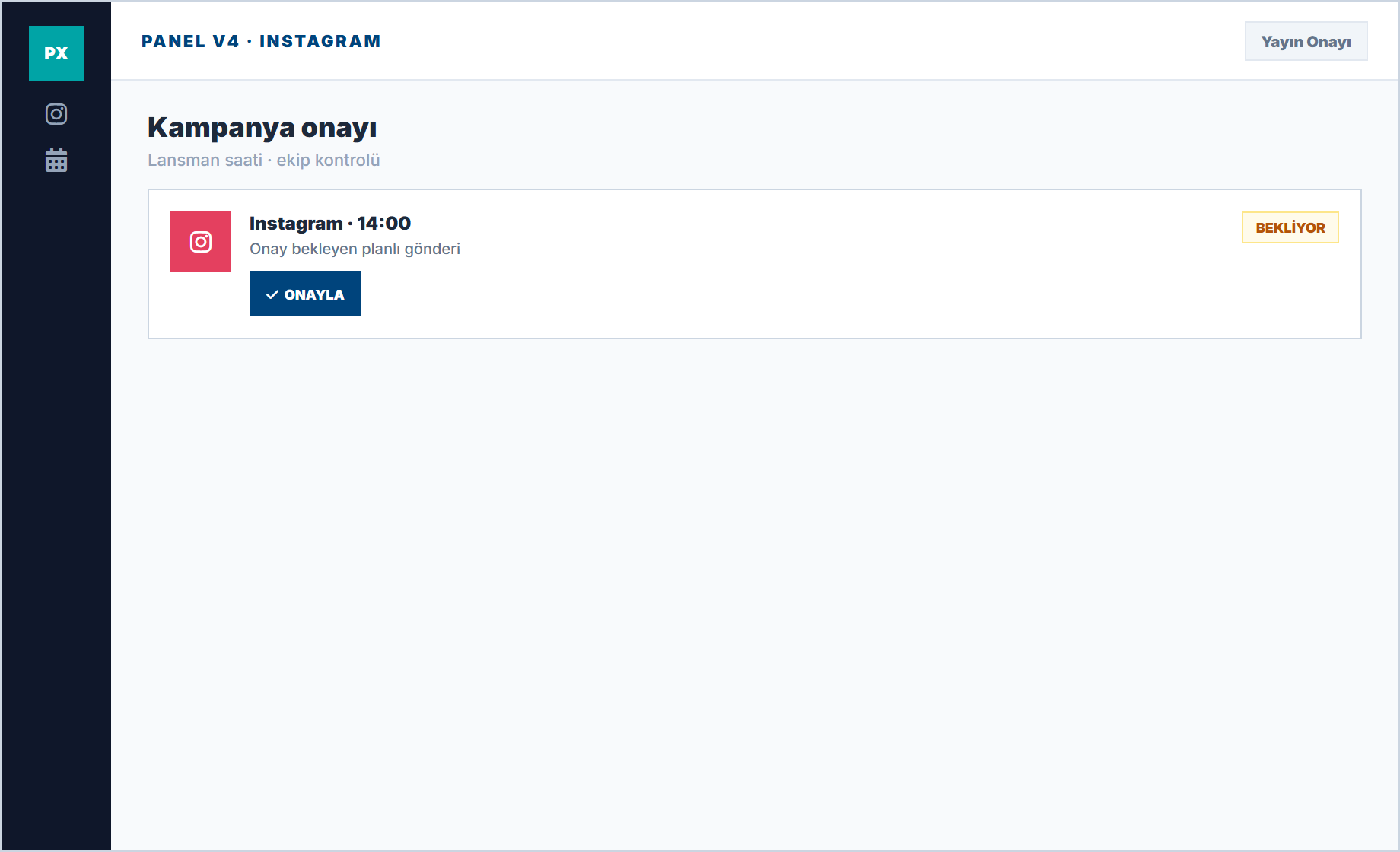
Plan campaign launch posts by time zones; reduce error risk with team approval.
DM and comment distinction
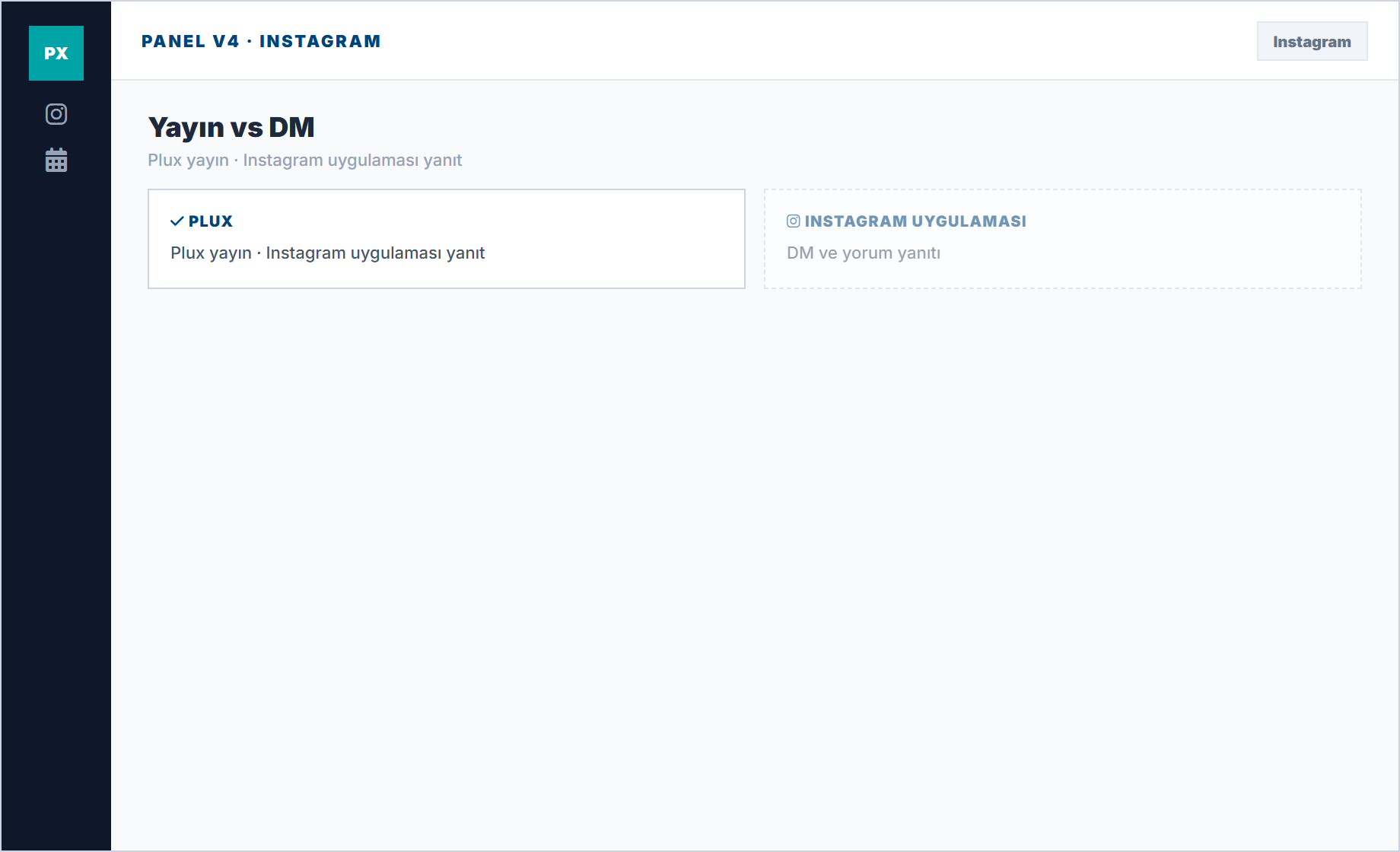
Replies continue from the Instagram app. Plux provides pre-publish control.
Instagram Features
Professional Instagram management tools.
Direct publishing to Instagram — no push notifications needed. Posts go live automatically at your scheduled time.
Schedule Instagram Stories and Reels in advance. Plan your visual content strategy ahead of time.
Create and schedule multi-image carousel posts with drag-and-drop ordering.
Save and organize hashtag sets. Add them to posts with one click for maximum reach.
Preview how your feed will look before publishing. Maintain a cohesive Instagram aesthetic.
Discover when your followers are most active and schedule posts for peak engagement.
Questions about Instagram and Plux
Honest limitations and scope of use.
Are Reels and feed in the same plan?
You schedule based on channel selection in the Publishing calendar; format restrictions are specified in the connection wizard.
Can a personal profile be connected?
Business or creator accounts are targeted; personal profile API restrictions apply.
Is story scheduling available?
Supported formats in the current channel version are shown in the dashboard; unsupported formats are not promised.
Grow Your Instagram on Autopilot
Auto-publish posts, Stories, and Reels — no manual notifications needed.
Visual preview · Auto publishing